
There are total two ways as below
1. Through Terminal
2. Through Settings
1. Through Terminal
- GO TO Application Search
- Search Terminal keyword & Open Terminal
- Direct using shortcut key – Ctr+Alt+T
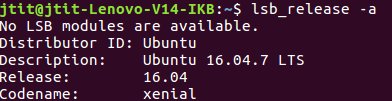
Command to see Ubantu Version through Terminal
lsb_release -a
2. Through Settings
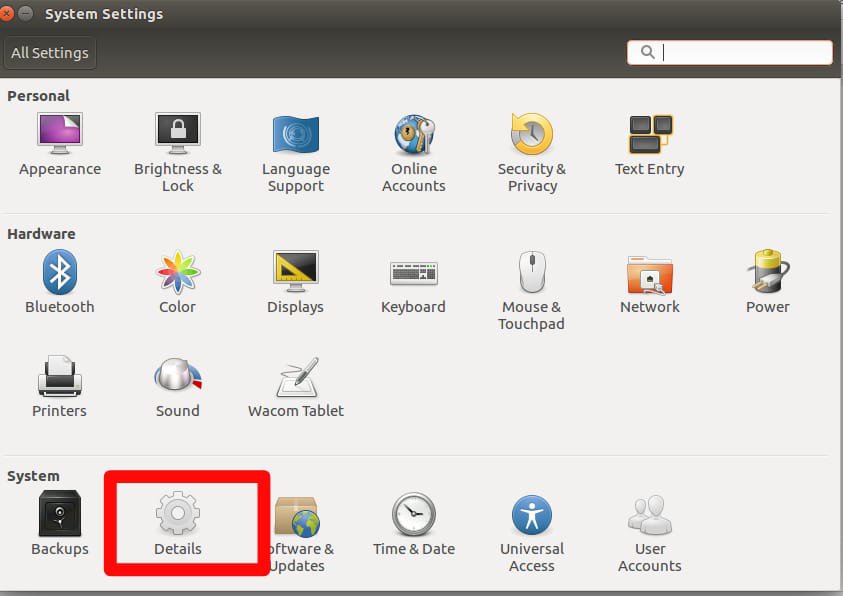
- Go to System Settings
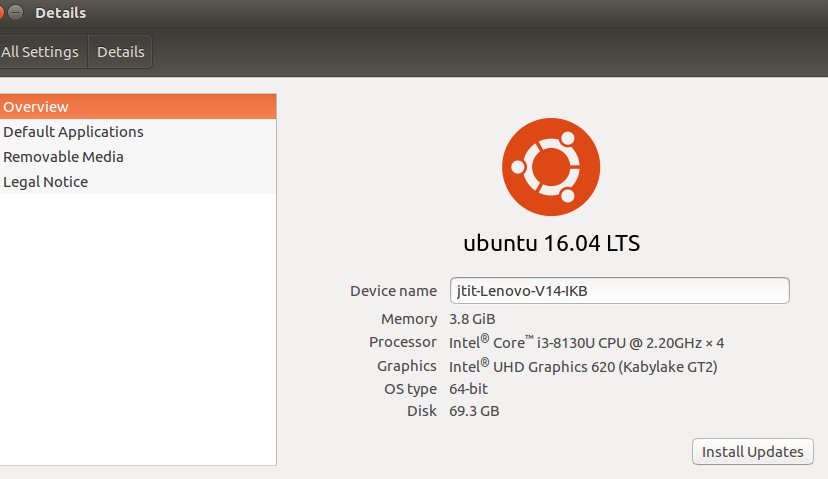
- Go to Details option in system Settings
 EliteExtant
You must be logged in to post a comment.