Steps
- Open Terminal (Ctr+Alt+T)
- Type command & Enter your Authentication Password
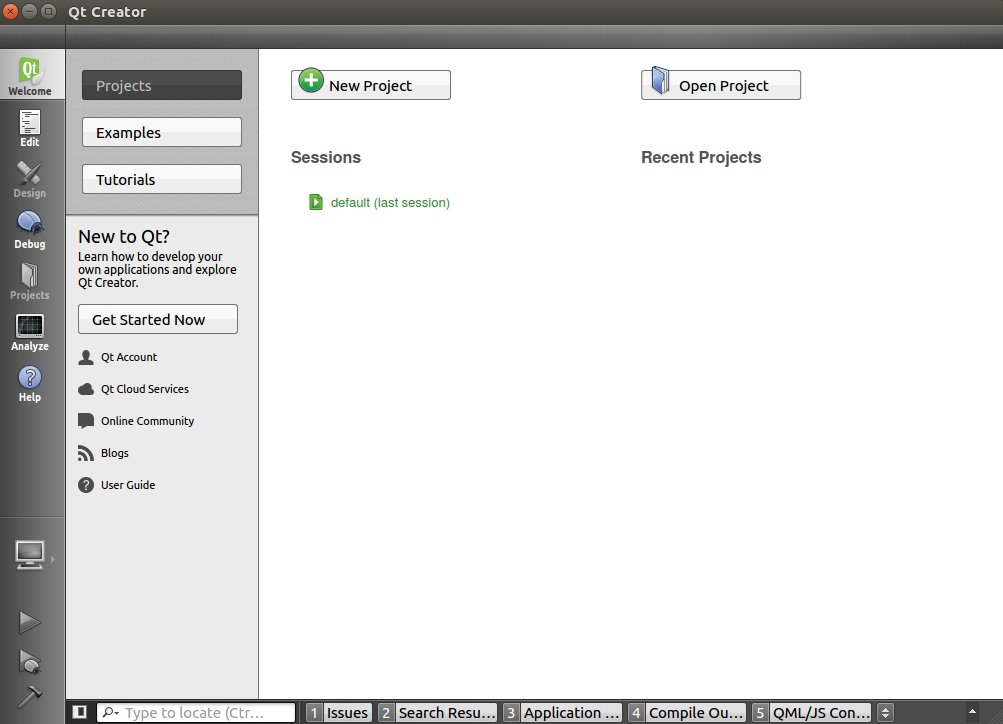
- Run Qt application
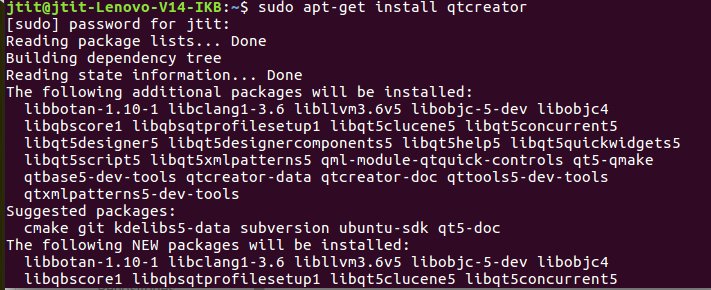
Command for installation of Qt in ubantu
sudo apt-get install qtcreator
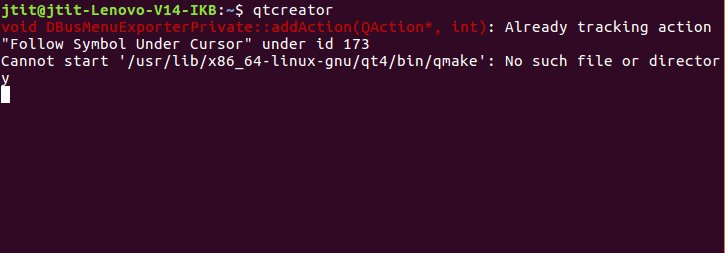
Command to Run Qt application on system
qtcreator

sudo apt-get install qtcreator
qtcreator
 EliteExtant
You must be logged in to post a comment.