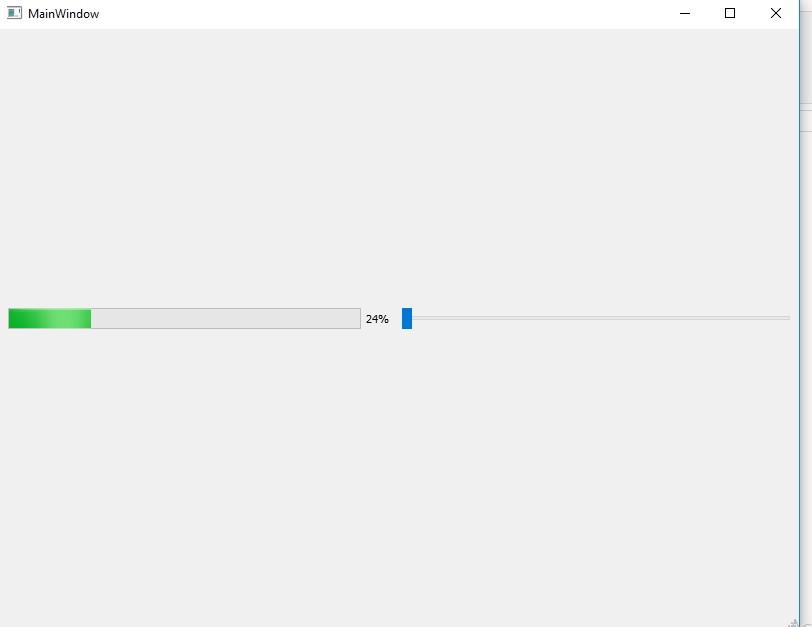
Hello! This is just simple progressbar project on Qt. This is sample Steps to make exe Executable application of your any project.
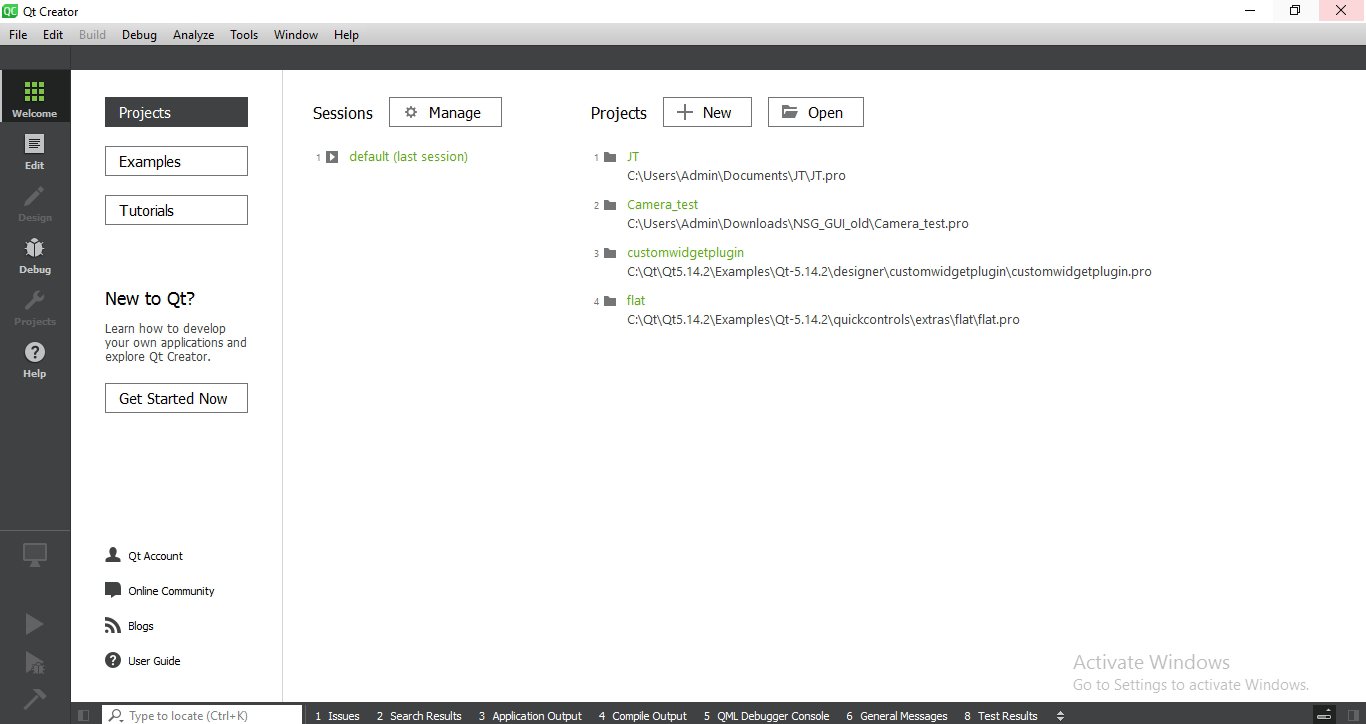
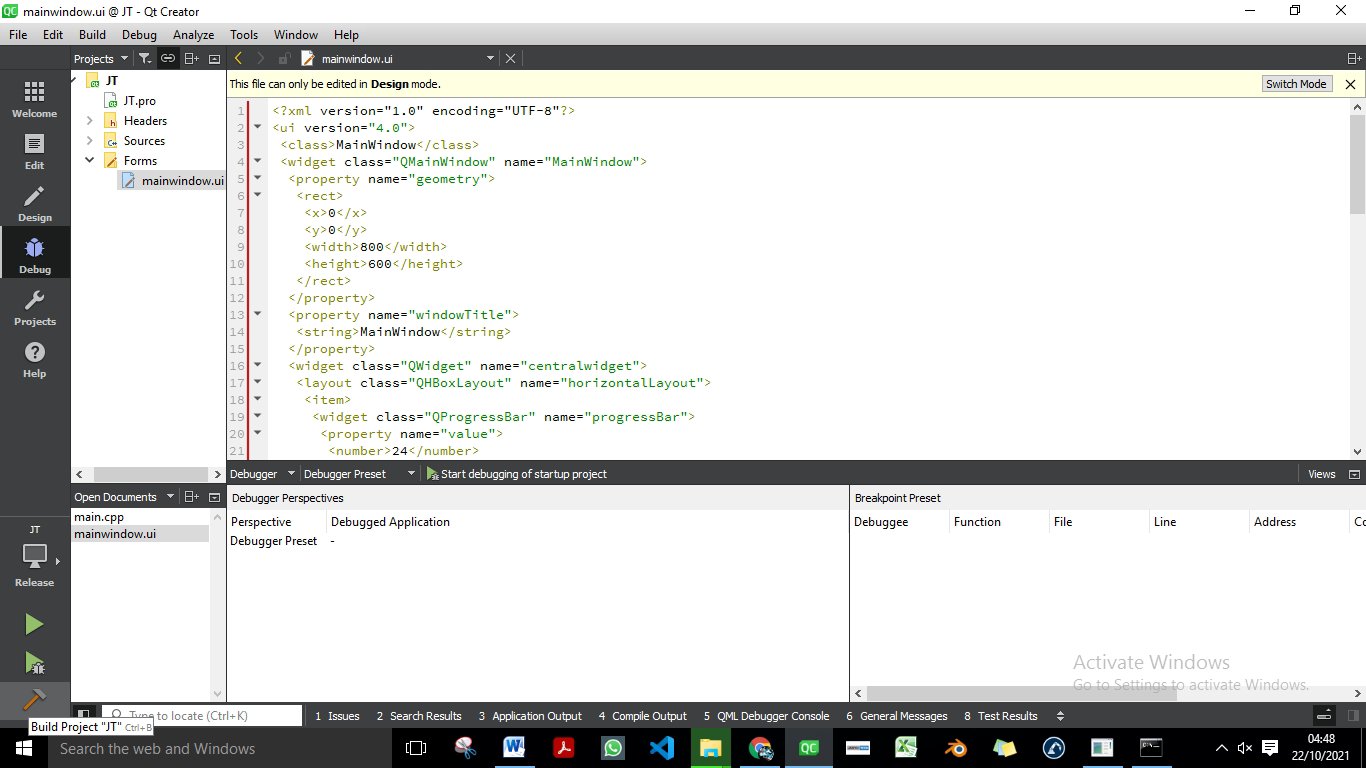
- Open Qt application.
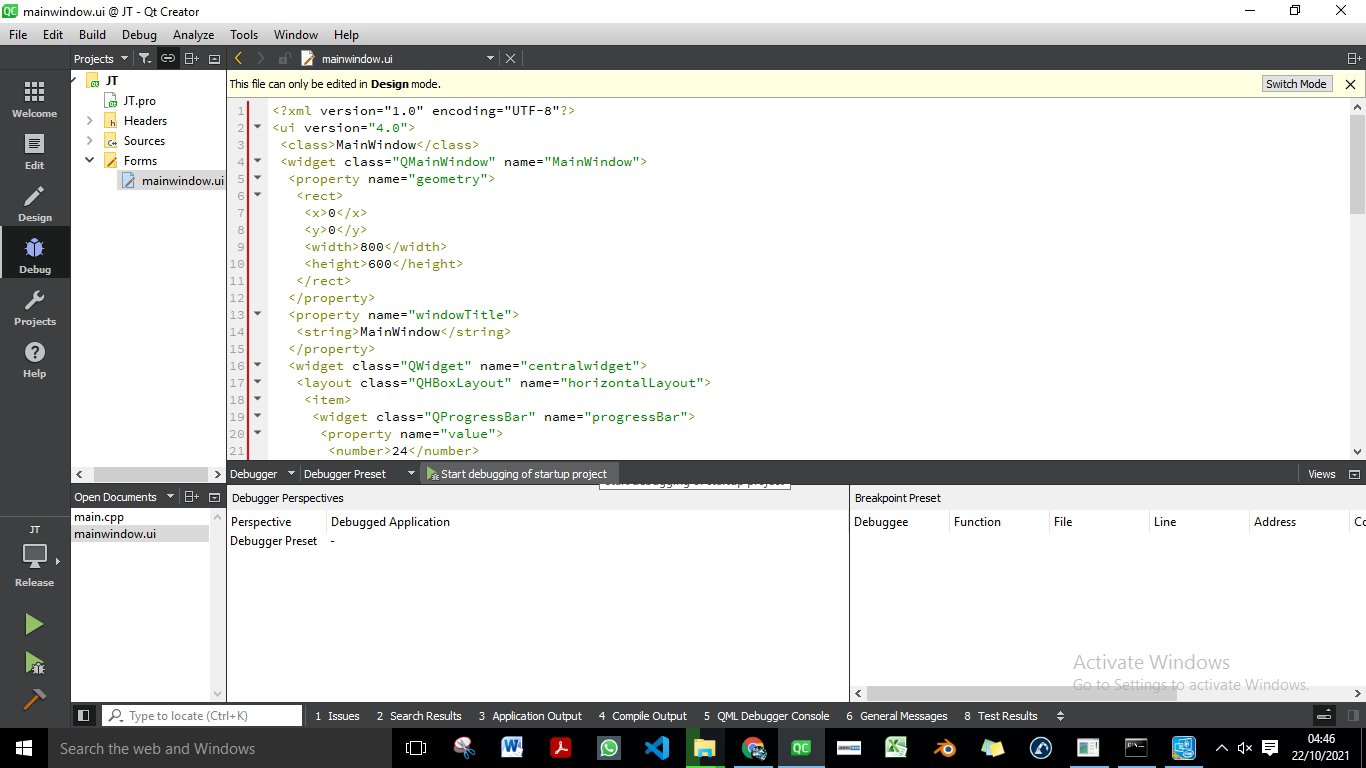
- Import your complete Project.
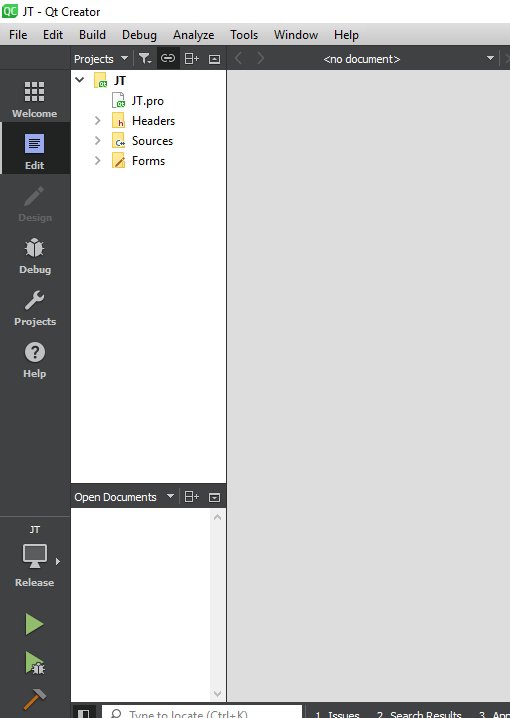
- Run your project make error free.
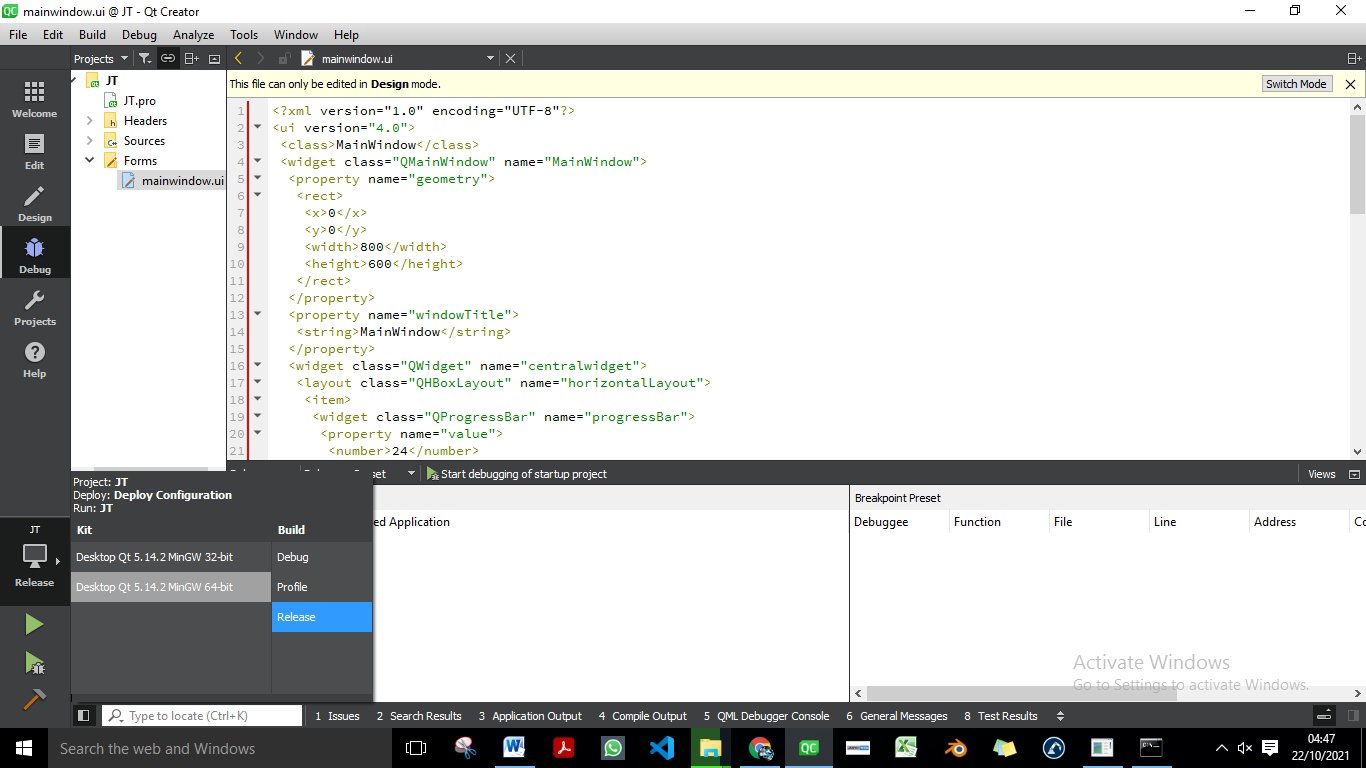
- Select Release at bottom left of qt application & build realise version 32/64 any one of them & complete build.
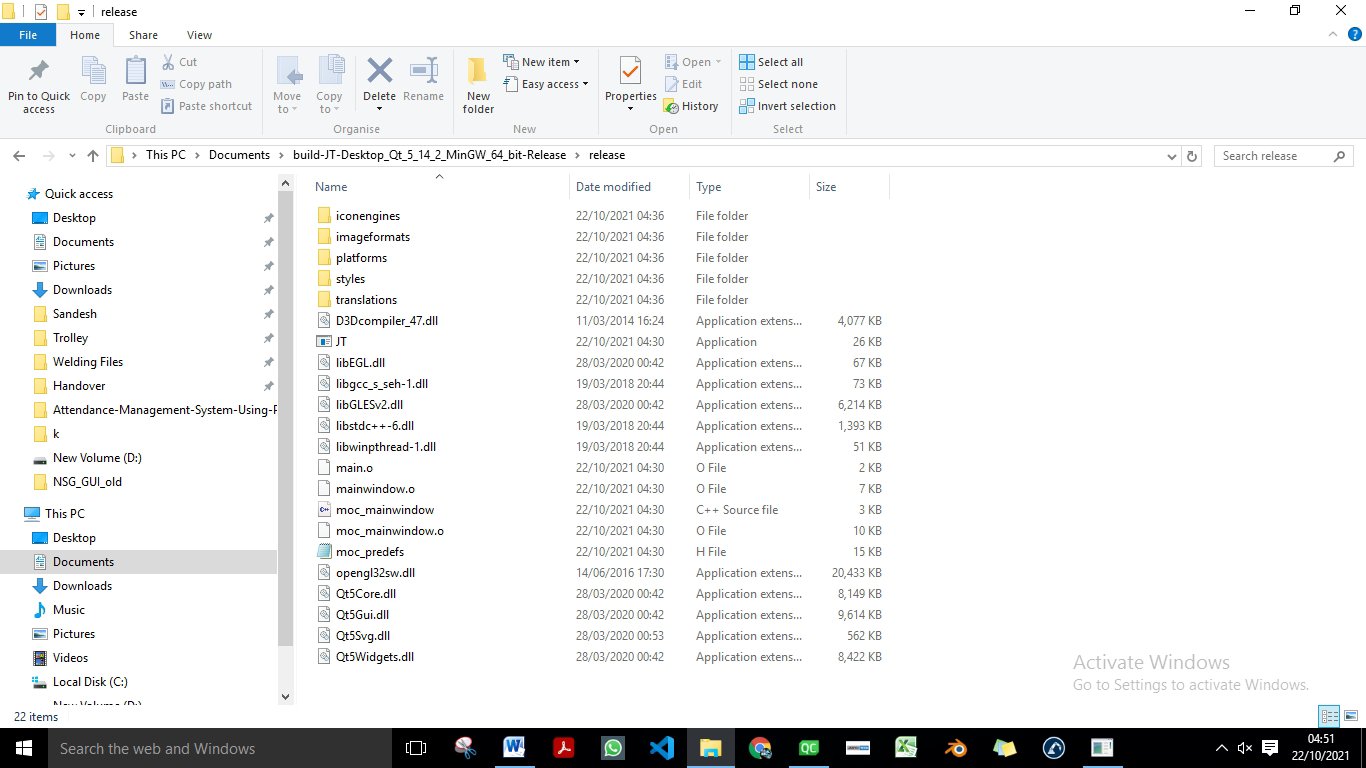
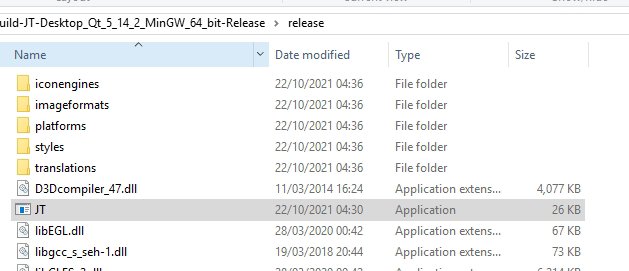
- Build release folder you will get in your project saved location.
- Copy Qt exe application path.
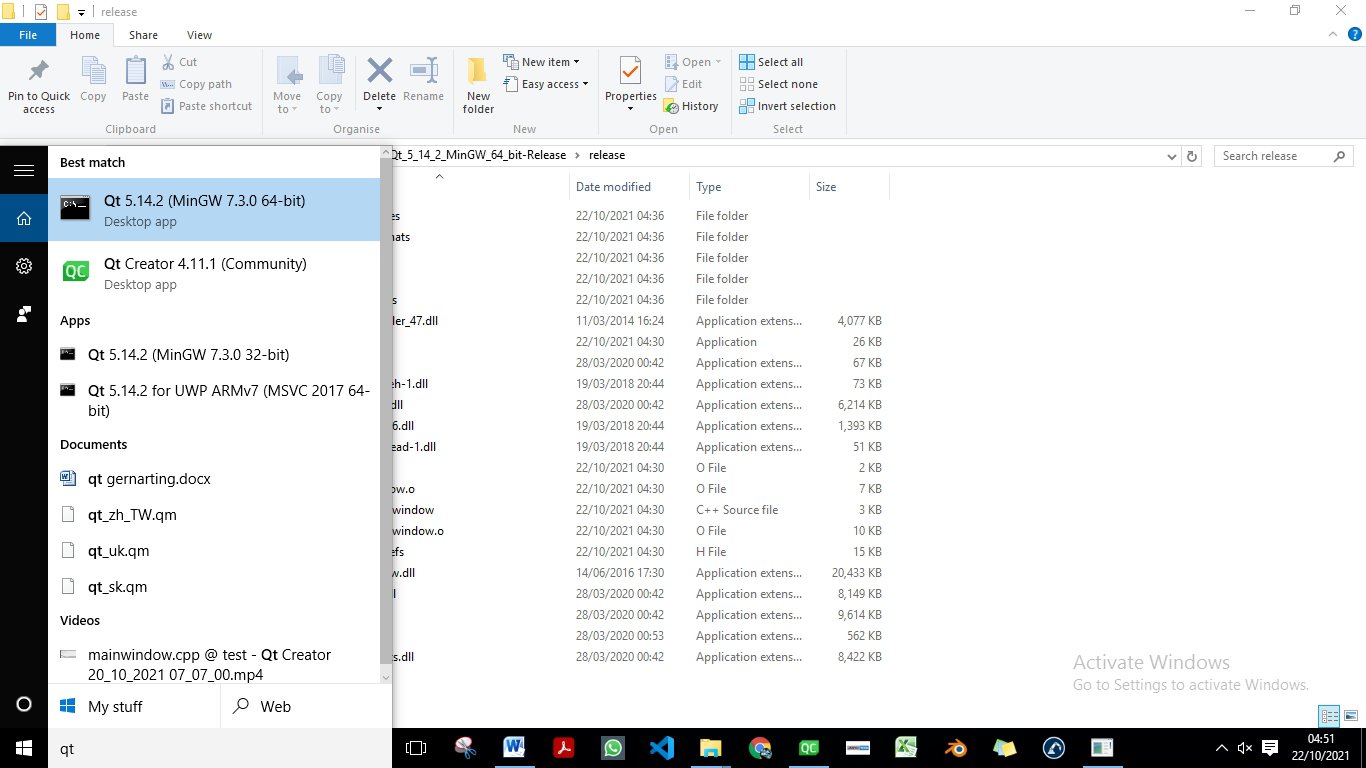
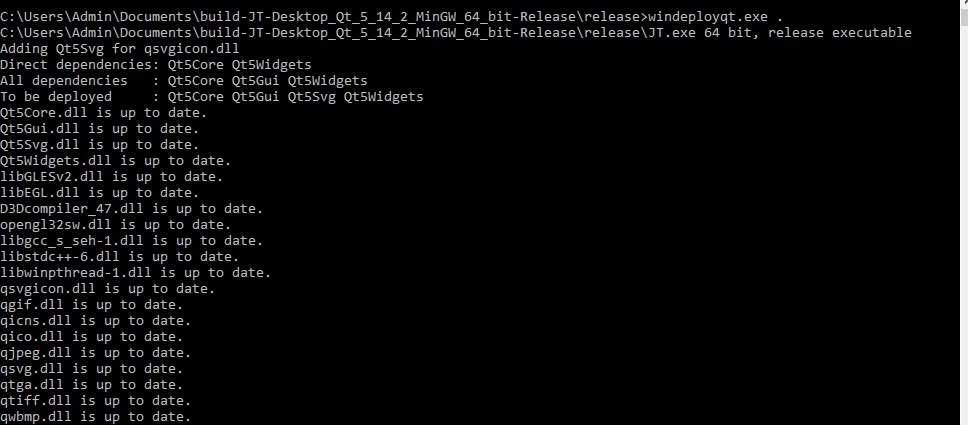
- Open Qt MigGw cmd Terminal to make exe Executable file of your project.
- Type given command
- Your exe file ready.
- Go to release build exe application folder run your project.
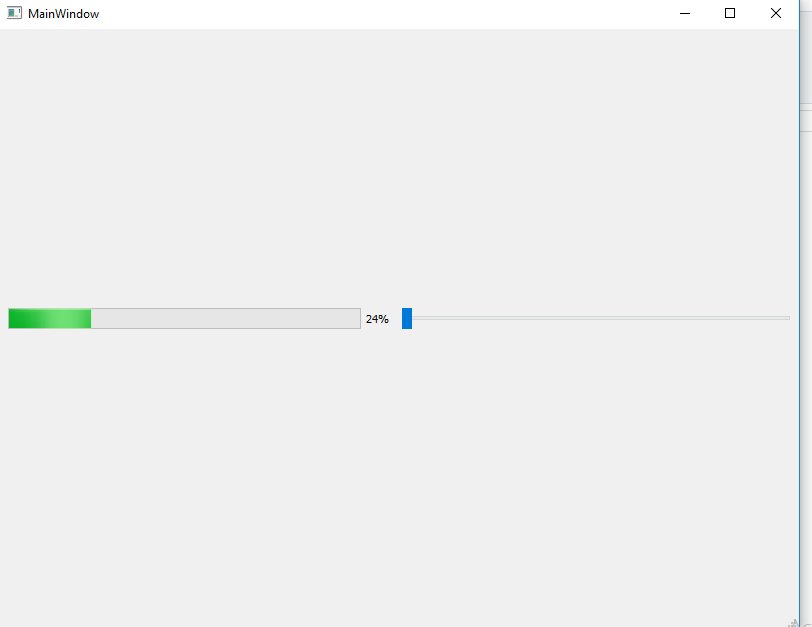
- See output.


 EliteExtant
You must be logged in to post a comment.