
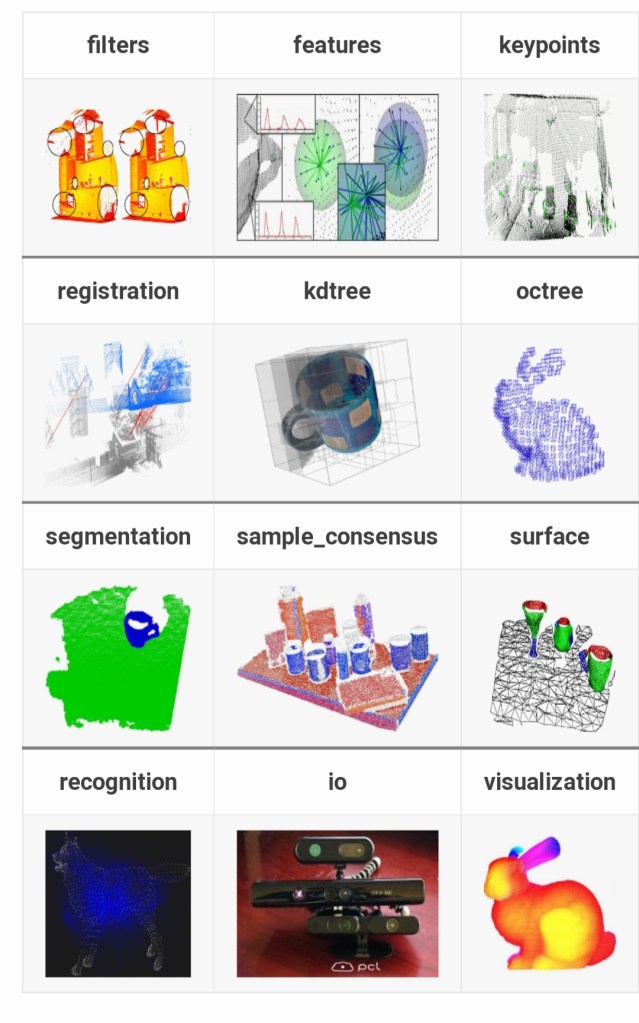
The Point Cloud Library (PCL) is a standalone, large scale, open project for 2D/3D image and point cloud processing. PCL is released under the terms of the BSD license, and thus free for commercial and research use.
References
How to install pcl Liabrary in ubantu 20

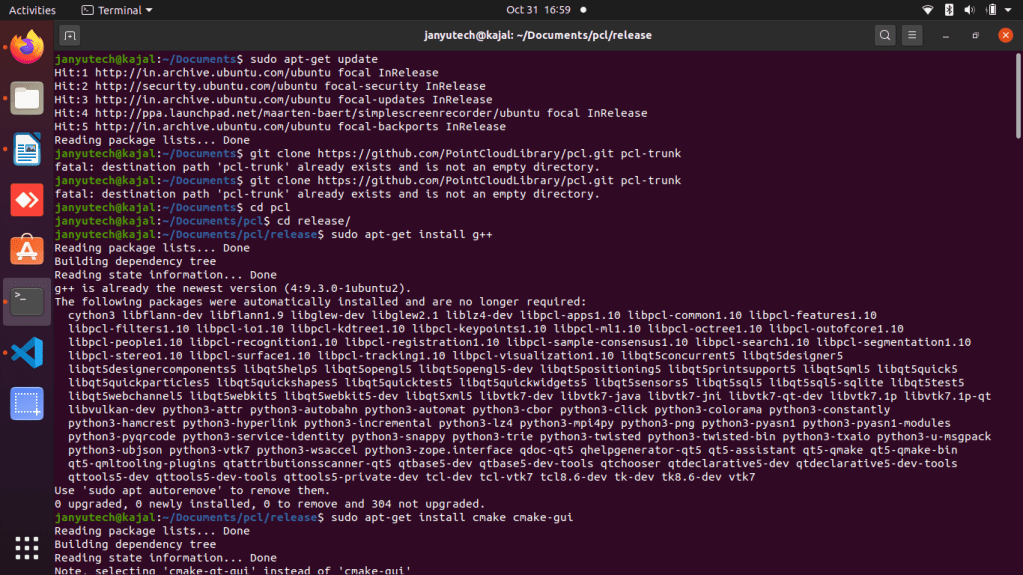
Command
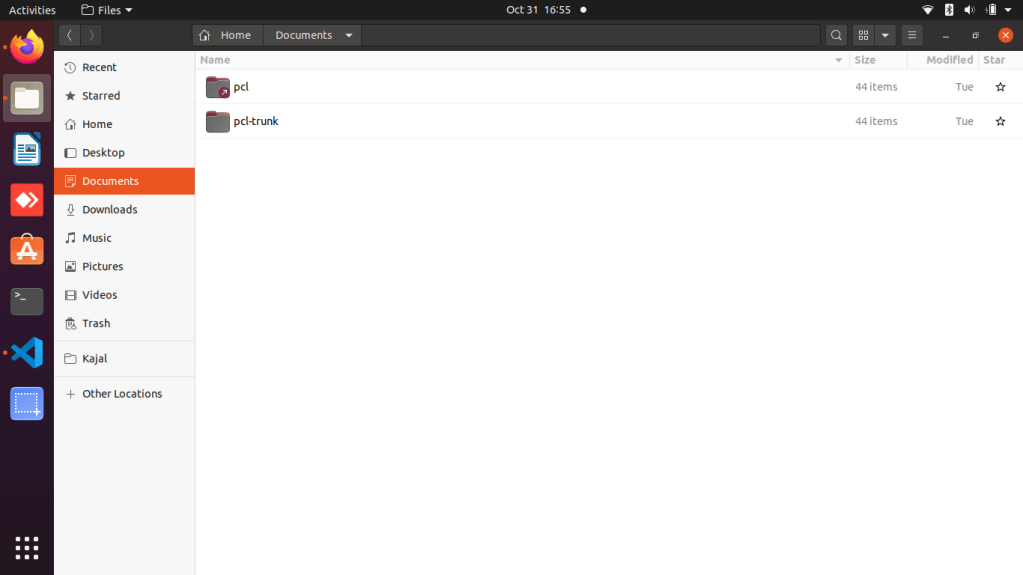
# Clone latest PCL in {cd documents }
cd ~/Documents
git clone https://github.com/PointCloudLibrary/pcl.git pcl-trunk
ln -s pcl-trunk pcl
cd pcl {Note: go – cd documents/pcl/release}
mkdir release
cd release
# Install prerequisites in {cd documents/pcl/release}
sudo apt-get install g++
sudo apt-get install cmake cmake-gui
sudo apt-get install doxygen
sudo apt-get install mpi-default-dev openmpi-bin openmpi-common
sudo apt-get install libflann1.8 libflann-dev
sudo apt-get install libeigen3-dev
sudo apt-get install libboost-all-dev
sudo apt-get install libvtk6-dev libvtk6.2 libvtk6.2-qt
#sudo apt-get install libvtk5.10-qt4 libvtk5.10 libvtk5-dev # I’m not sure if this is necessary.
sudo apt-get install ‘libqhull*’
sudo apt-get install libusb-dev
sudo apt-get install libgtest-dev
sudo apt-get install git-core freeglut3-dev pkg-config
sudo apt-get install build-essential libxmu-dev libxi-dev
sudo apt-get install libusb-1.0-0-dev graphviz mono-complete
sudo apt-get install qt-sdk openjdk-9-jdk openjdk-9-jre
sudo apt-get install phonon-backend-gstreamer
sudo apt-get install phonon-backend-vlc
sudo apt-get install libopenni-dev libopenni2-dev
# Compile and install PCL {Note: go – cd documents/pcl/release}
mkdir release
cd release
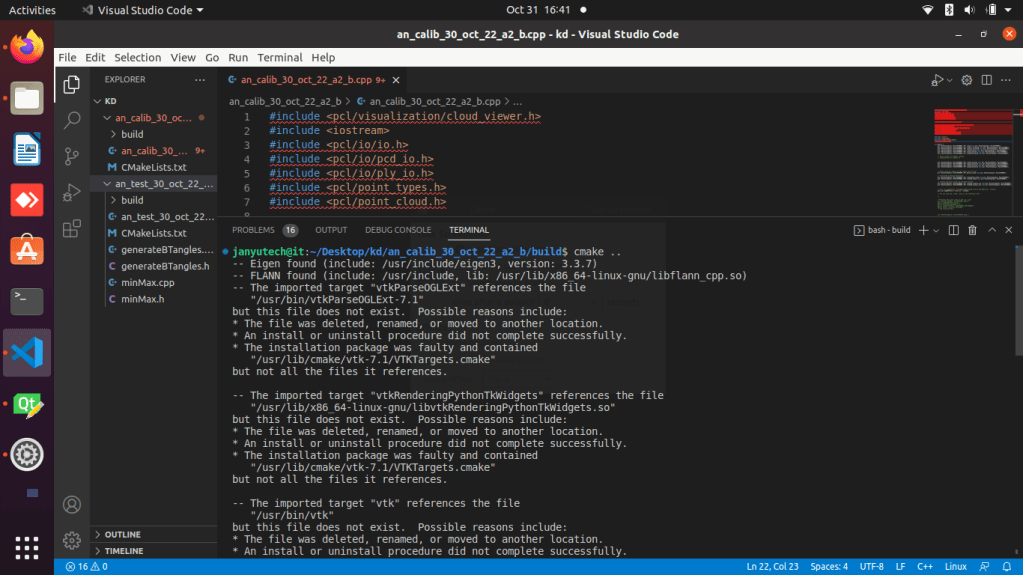
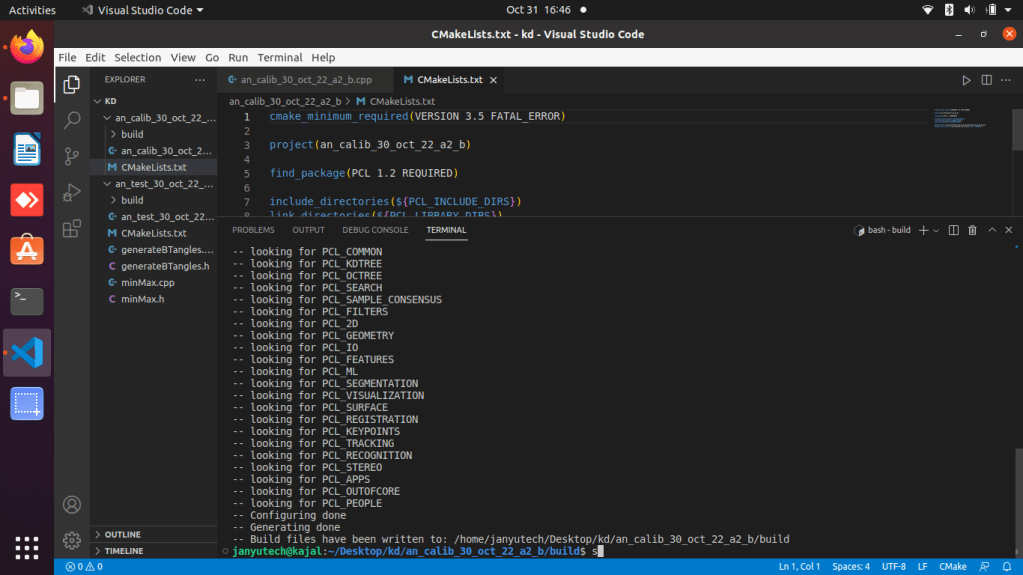
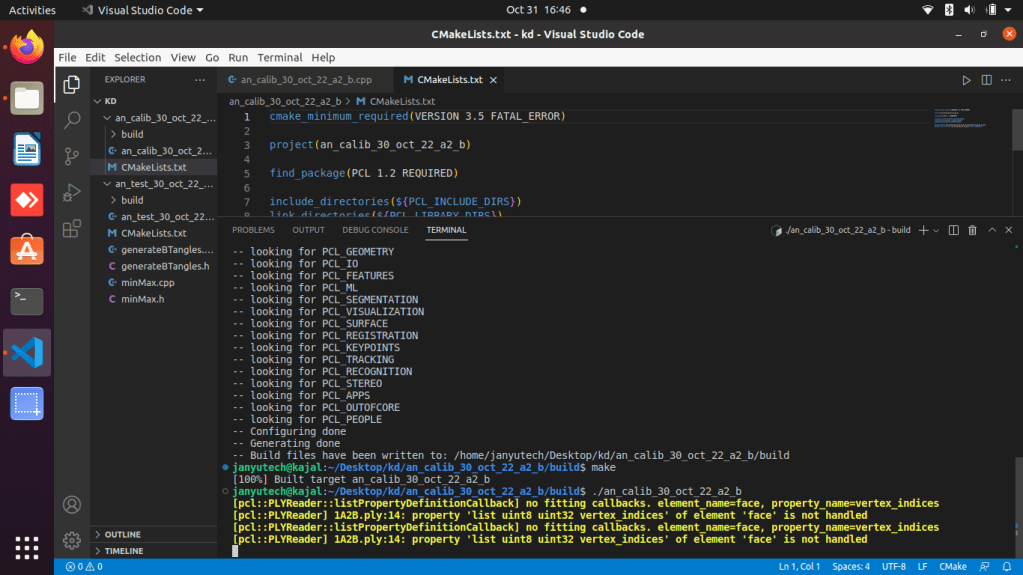
cmake -DCMAKE_BUILD_TYPE=None -DBUILD_GPU=ON -DBUILD_apps=ON -DBUILD_examples=ON ..
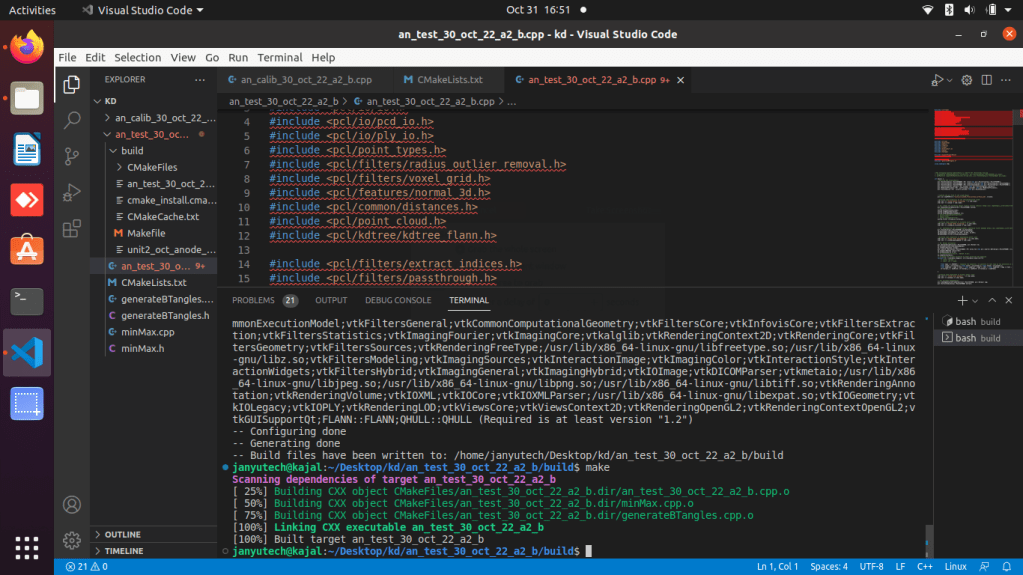
make
sudo make install
Software Requirements
- vscode/Texteditor
- Ubantu 20. 01
- g++ setup ( c++)
- PCL libraries & dependancies
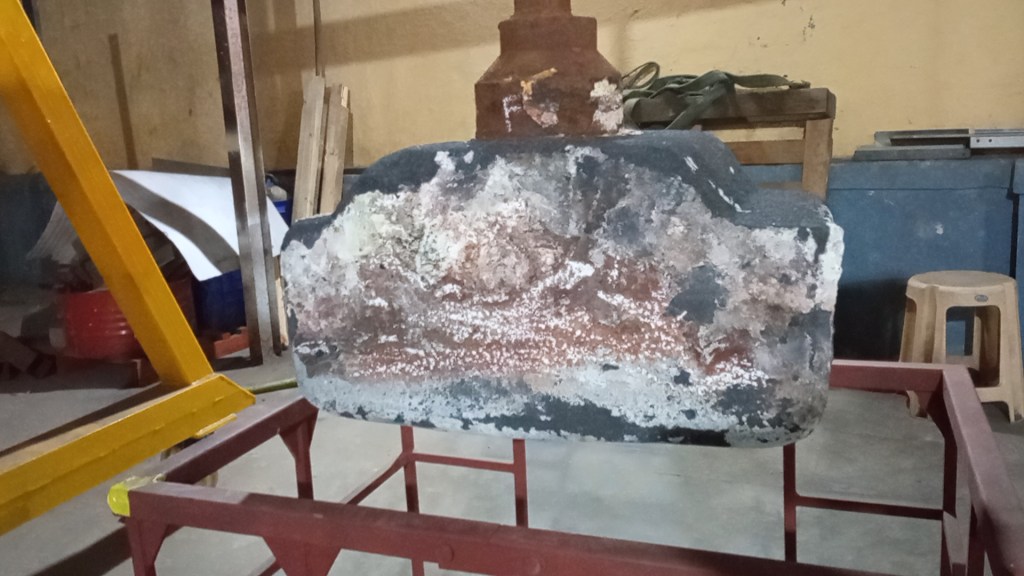
Example
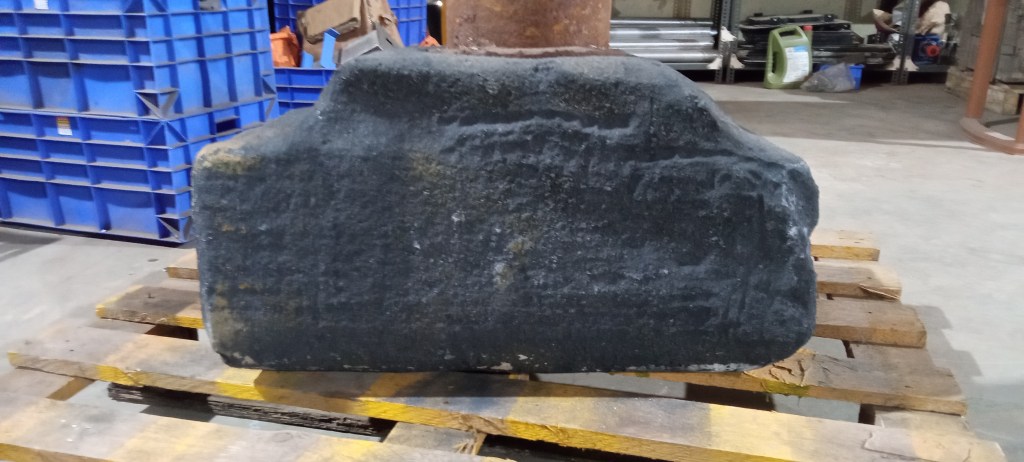
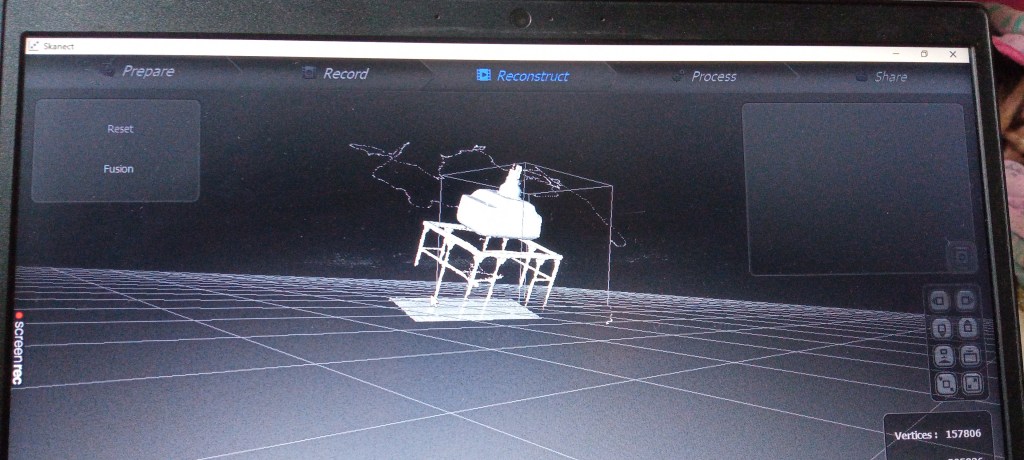
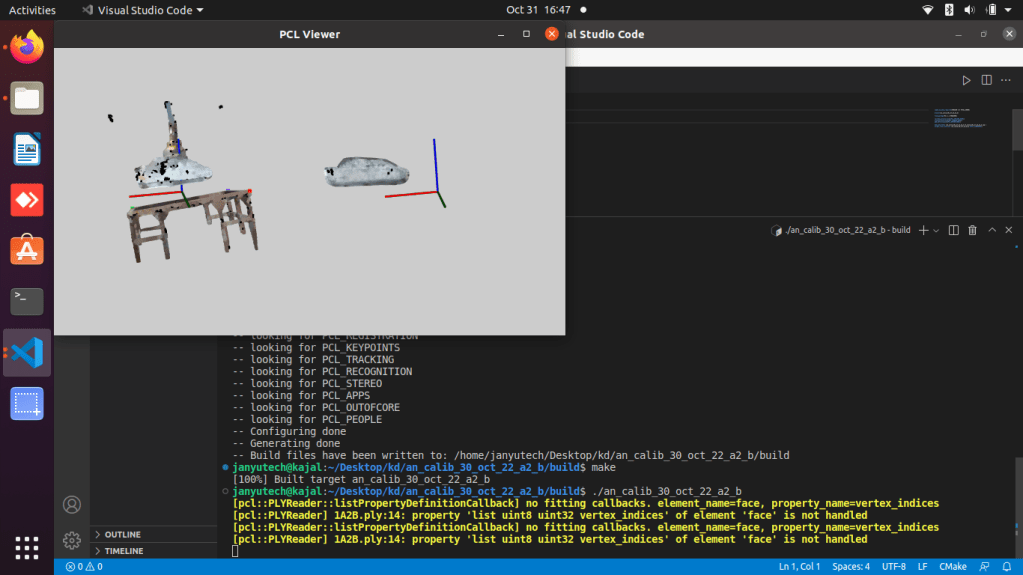
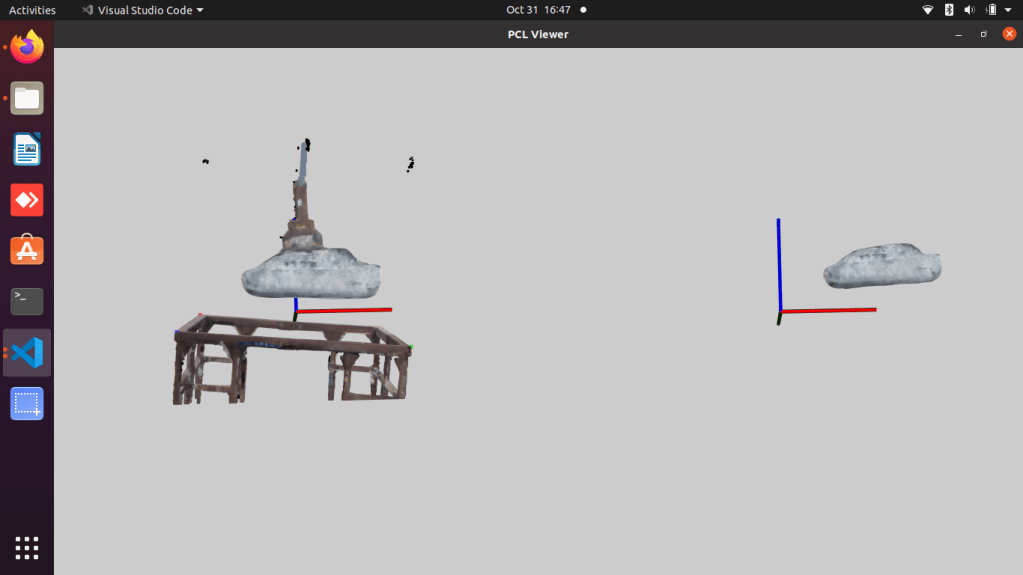
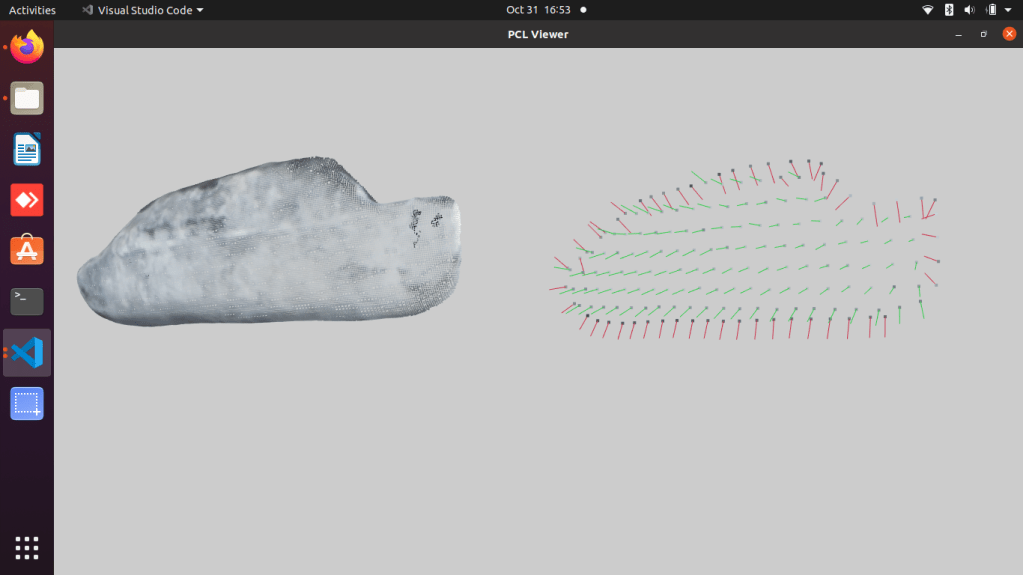
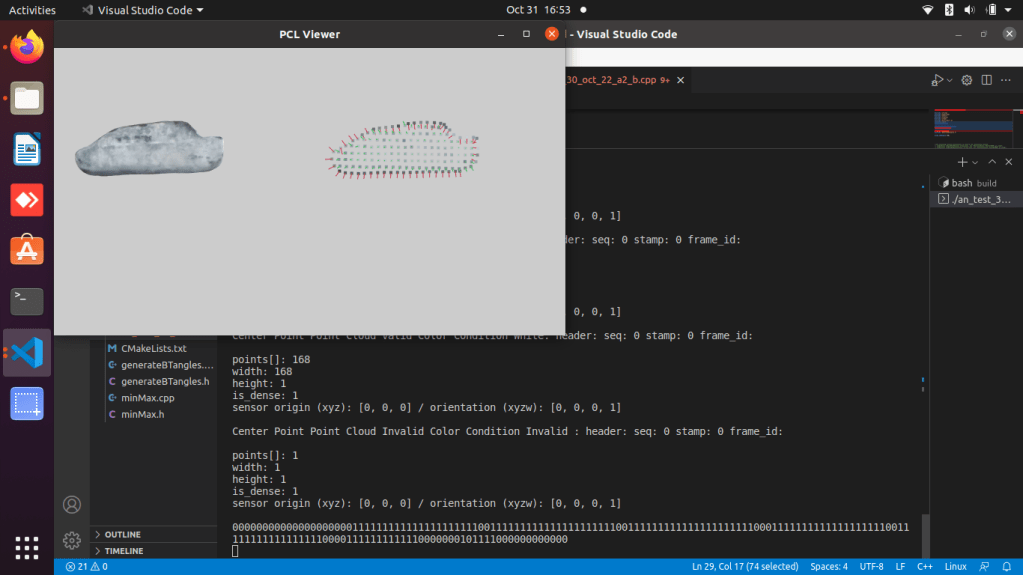
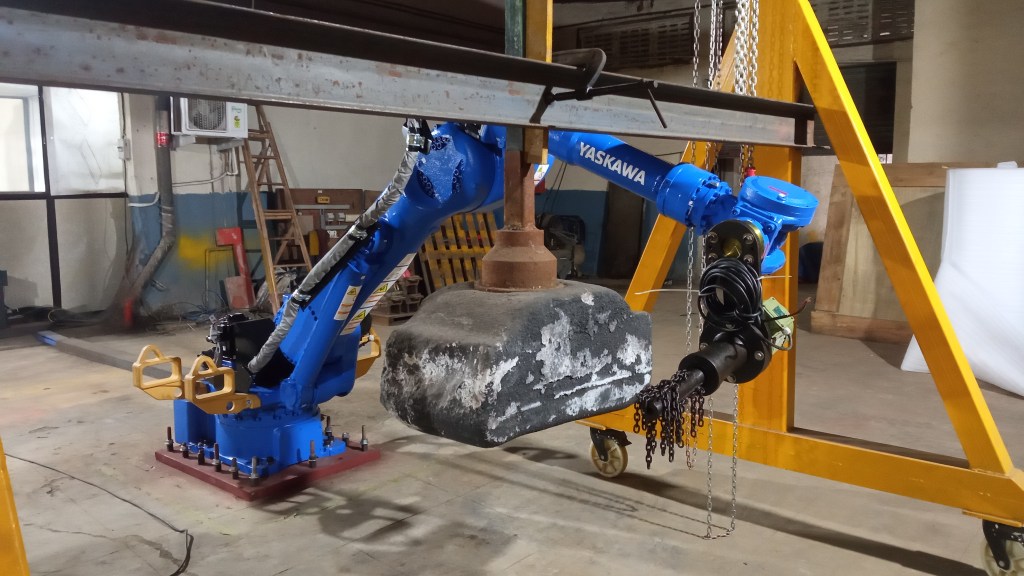
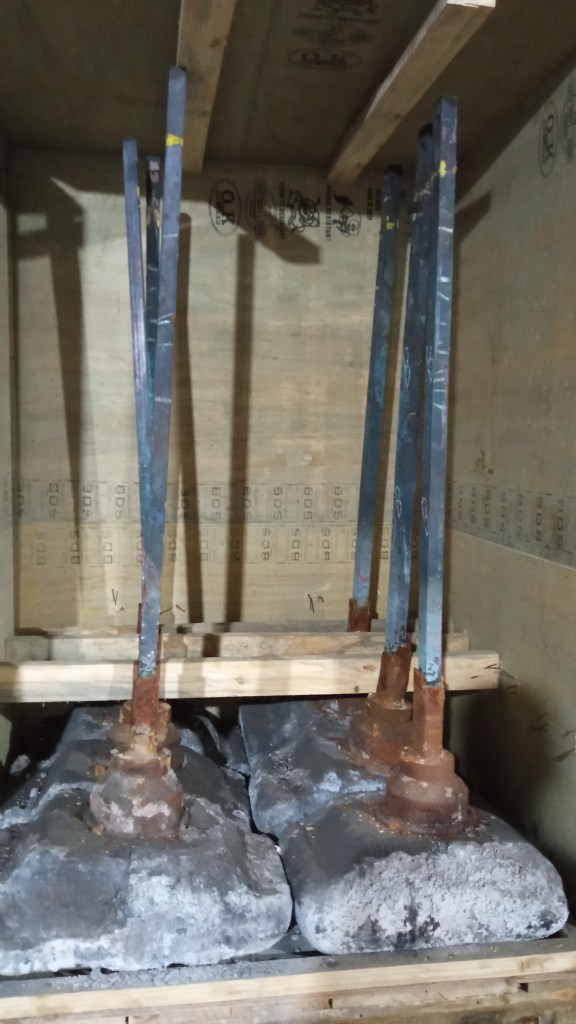
Cleaning Anode butt using Pcl
Janyu Technologies Pvt Ltd developed first ever anode butt cleaning vision system in india.
Must visit



 EliteExtant
You must be logged in to post a comment.