
What is data logger?
A data logger is a device that records data over time or in relation to location either with a built-in instrument or sensor or via external instruments and sensors. Data loggers vary in terms of the type of data they collect, the recording interval, the storage capacity, and the way in which the data can be accessed. They are used in various applications including environmental monitoring, industrial process control, and scientific research.
Why data logging is necessary in application?
Data logging is necessary in various applications because it provides a record of events, measurements, or conditions over time, which can be used for various purposes, such as:
- Monitoring and analysis: Data logging enables continuous monitoring of a process or system, which can help identify trends, patterns, and anomalies that would otherwise be difficult to detect.
- Quality control: Data logging can be used to record and monitor critical parameters in manufacturing processes, ensuring that products meet specified quality standards.
- Regulatory compliance: In certain industries, data logging is a legal requirement for compliance with government regulations, such as environmental monitoring and safety standards.
- Research and development: Data logging is essential in scientific research, as it allows researchers to collect data over a long period of time, enabling them to validate their hypotheses and make informed decisions.
- Troubleshooting: Data logging can help diagnose and resolve problems in systems and processes by providing a record of events leading up to the issue.
Overall, data logging is a crucial tool in various applications as it provides valuable information for decision making, problem solving, and continuous improvement.
Data logging code using python
Here is an example of a basic data logging code in Python:
import time
def log_data(data):
current_time = time.strftime(“%Y-%m-%d %H:%M:%S”, time.gmtime())
with open(“log.txt”, “a”) as logfile:
logfile.write(f”{current_time}: {data}\n”)
if __name__ == “__main__”:
while True:
data = input(“Enter data to log: “)
log_data(data)
time.sleep(1)
This code uses the time module to log the current time and the open function to write to a text file named log.txt. The log_data function takes a data argument and writes it to the log file along with the current time. The while loop continuously prompts the user to enter data to log, and the sleep function is used to wait for 1 second before logging the next data point.
This is just a simple example to demonstrate the basic concept of data logging in Python, but you can modify it to suit your specific needs.
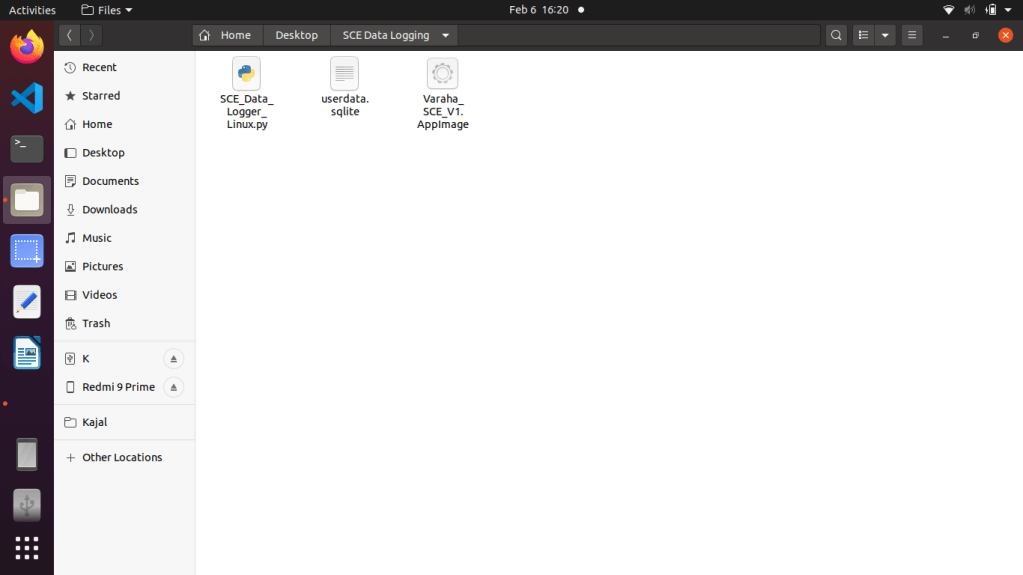
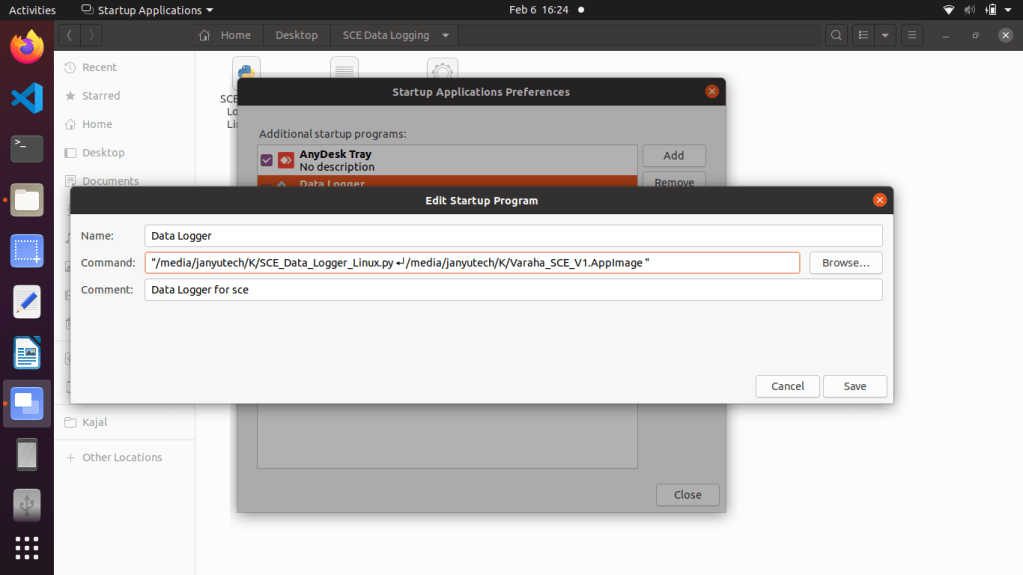
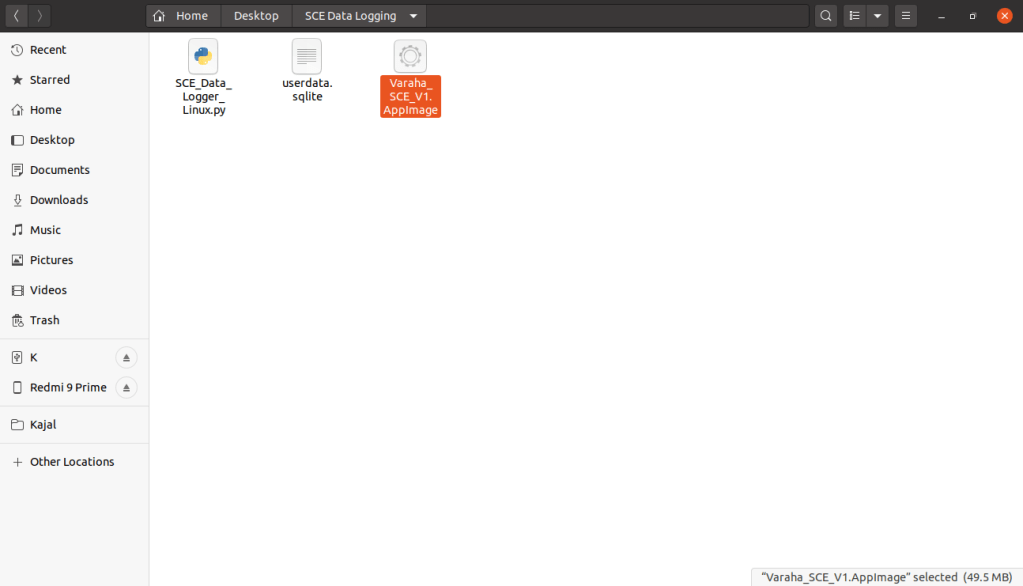
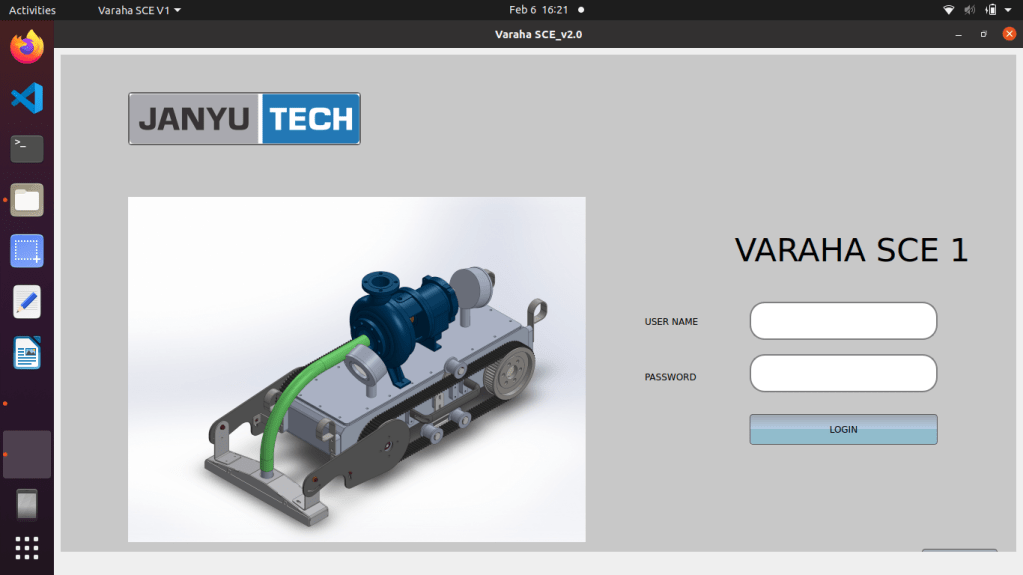
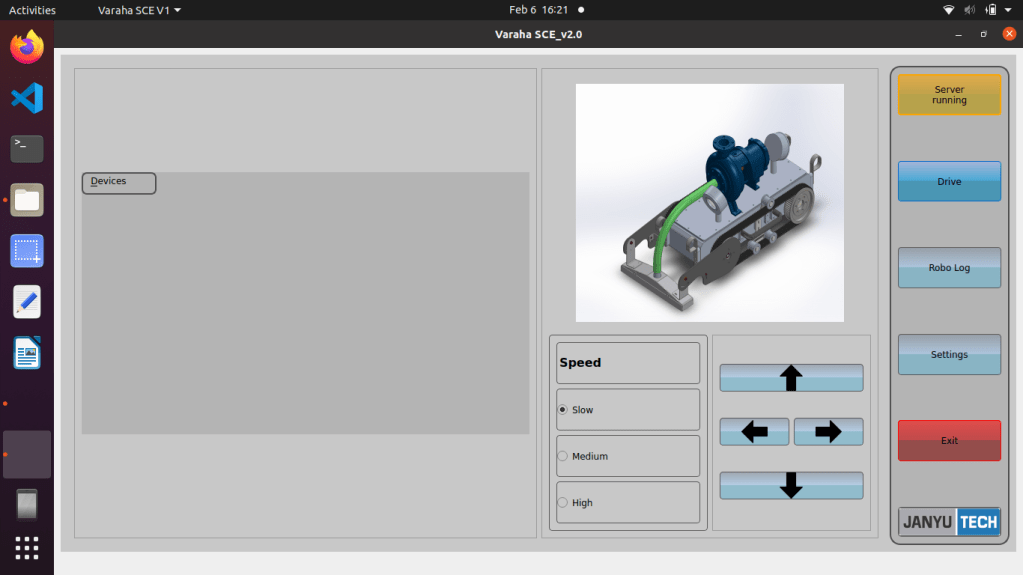
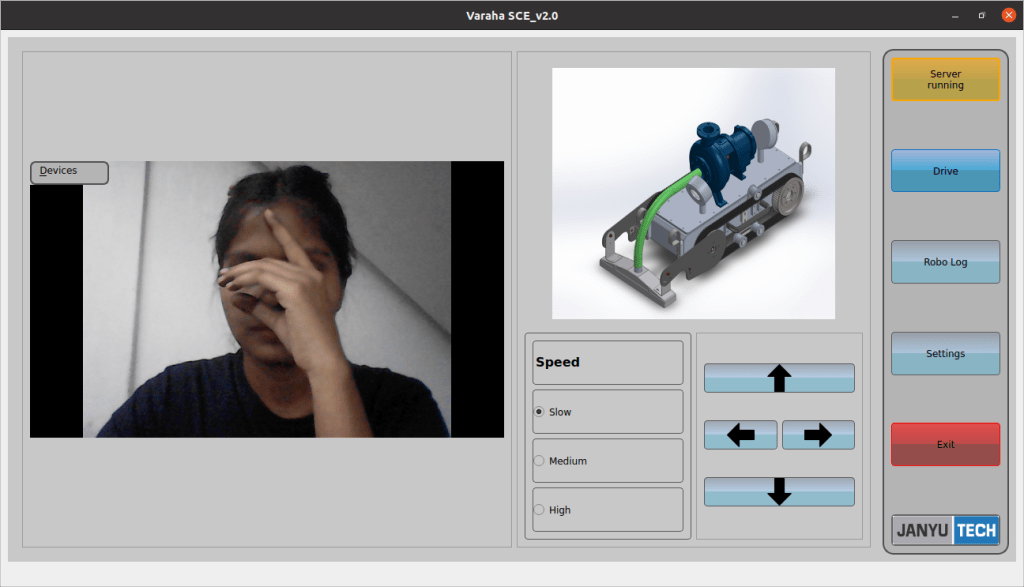
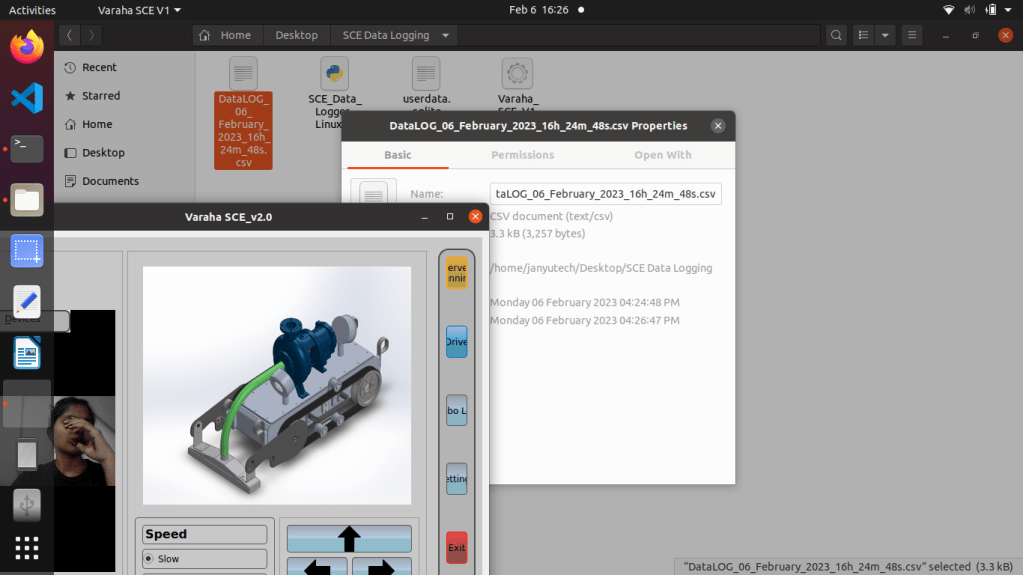
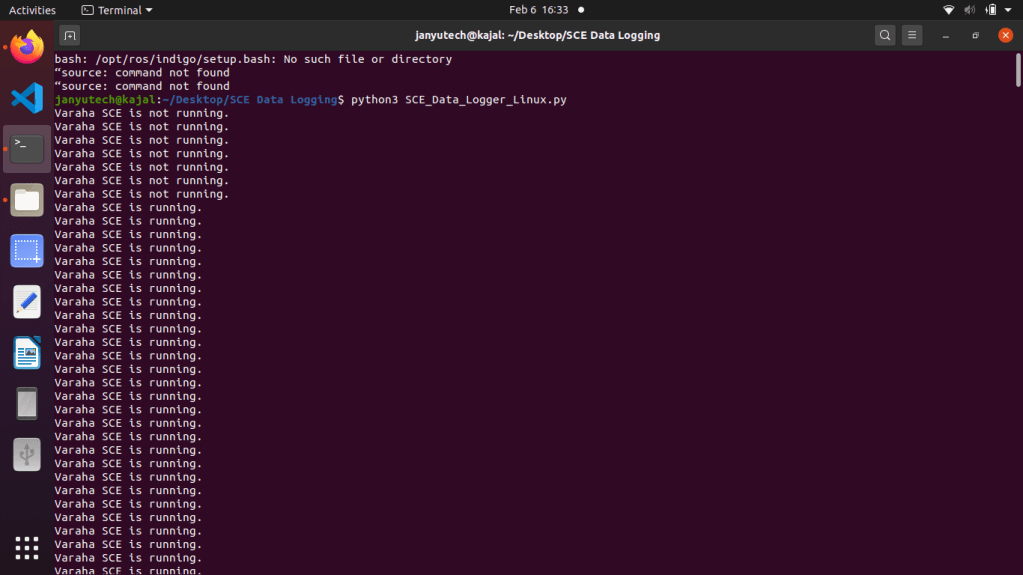
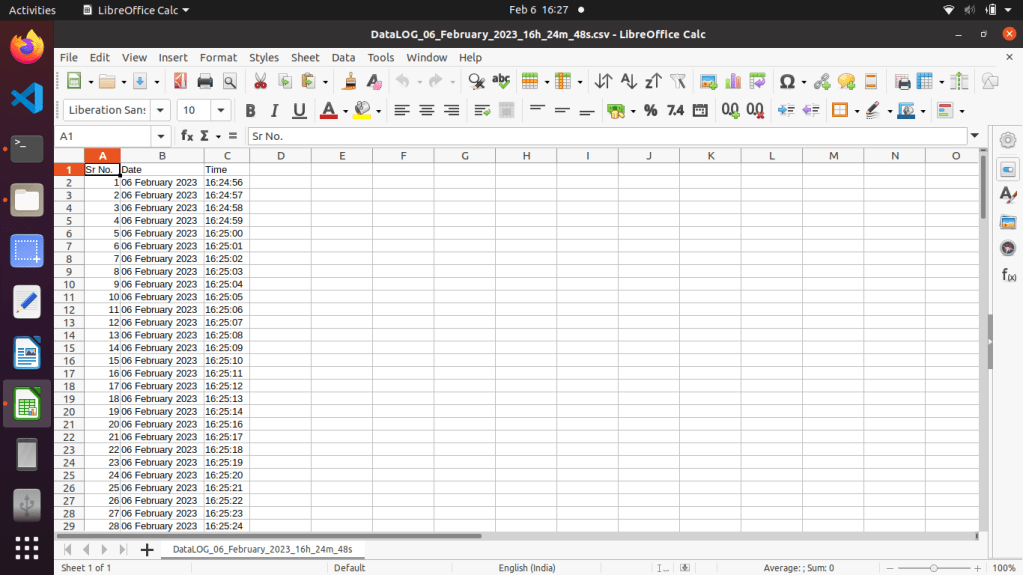
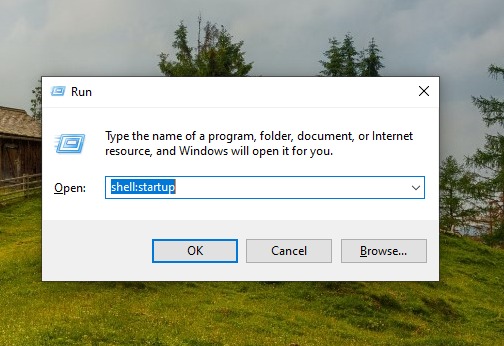
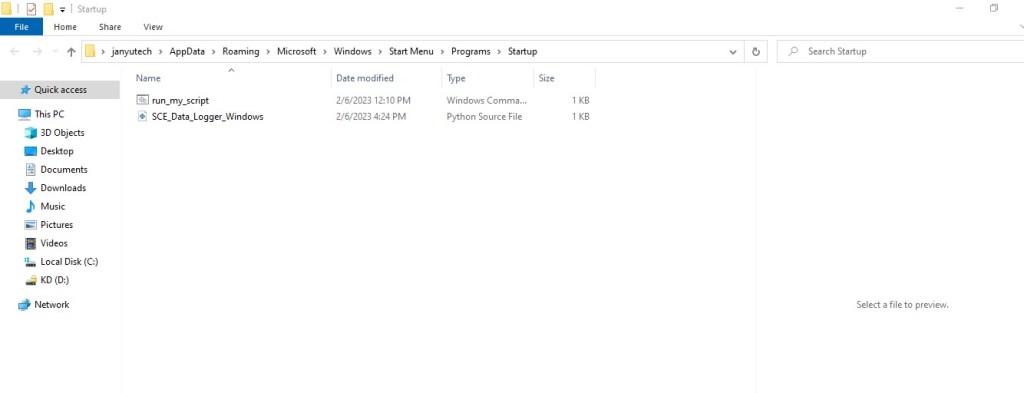
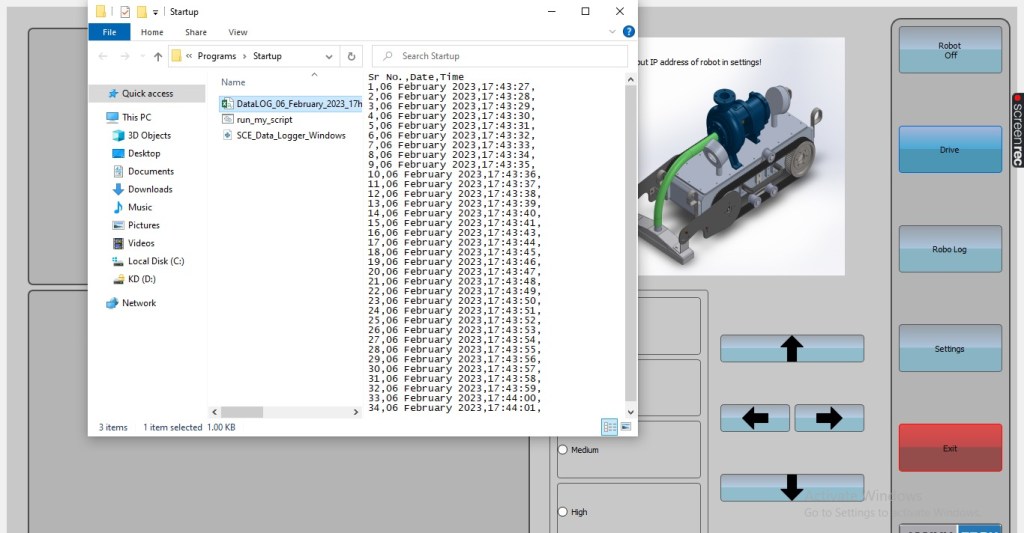
Consider live Example of Varaha SCE Sludge cleaning robot with data logging feature.
Ubantu
Windows
 EliteExtant
You must be logged in to post a comment.